




Find out what codecs you need to watch any video
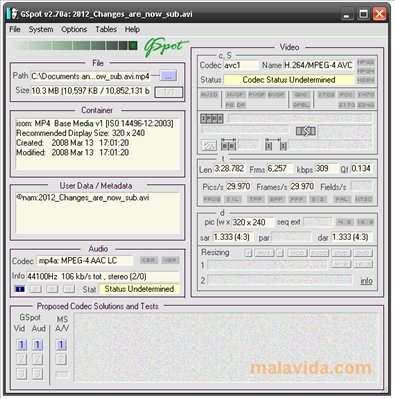
Many times, when we want to watch a video, we realize that we can only hear the audio, only see the video or on some occasions we can't see or hear anything. In these cases, it's more than likely that we don't have the right codecs installed on our PC. GSpot will definitely be able to help us out.
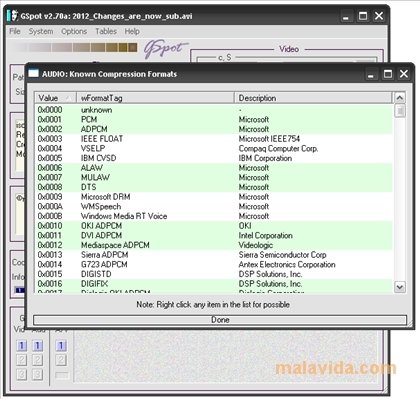
Among the thousands of audio and video codecs available, GSpot detects almost all of them. You can scan MPEG1/2/4, DV1/2, MP4, MP3, H263, H264, FLV, AAC, AC3, DTS files, among others and search among more than 700 video codecs and 240 audio codecs, to find out exactly what one compresses or encodes the file we want to play. One we know, we will be able to download without problems to install it and watch the video or listen to the audio.
This program can be very useful if the majority of your tasks require the use of videos, as on many occasions, when we download, share or exchange a video, the latter is treated differently by different people, with the possibility that you computer may not even know that we're dealing with a video file with audio. For these files, GSpot will tell you what they contain.
 Leticia Sorivella
My name is Leticia. I really like movies, television, and music. That is why I studied Audiovisual Communication. In the beginning, I wanted to work in movies, but I ended up on television. Then, I went from being behind the cameras to being in...

Antony Peel